
Download
Download VigiAcces
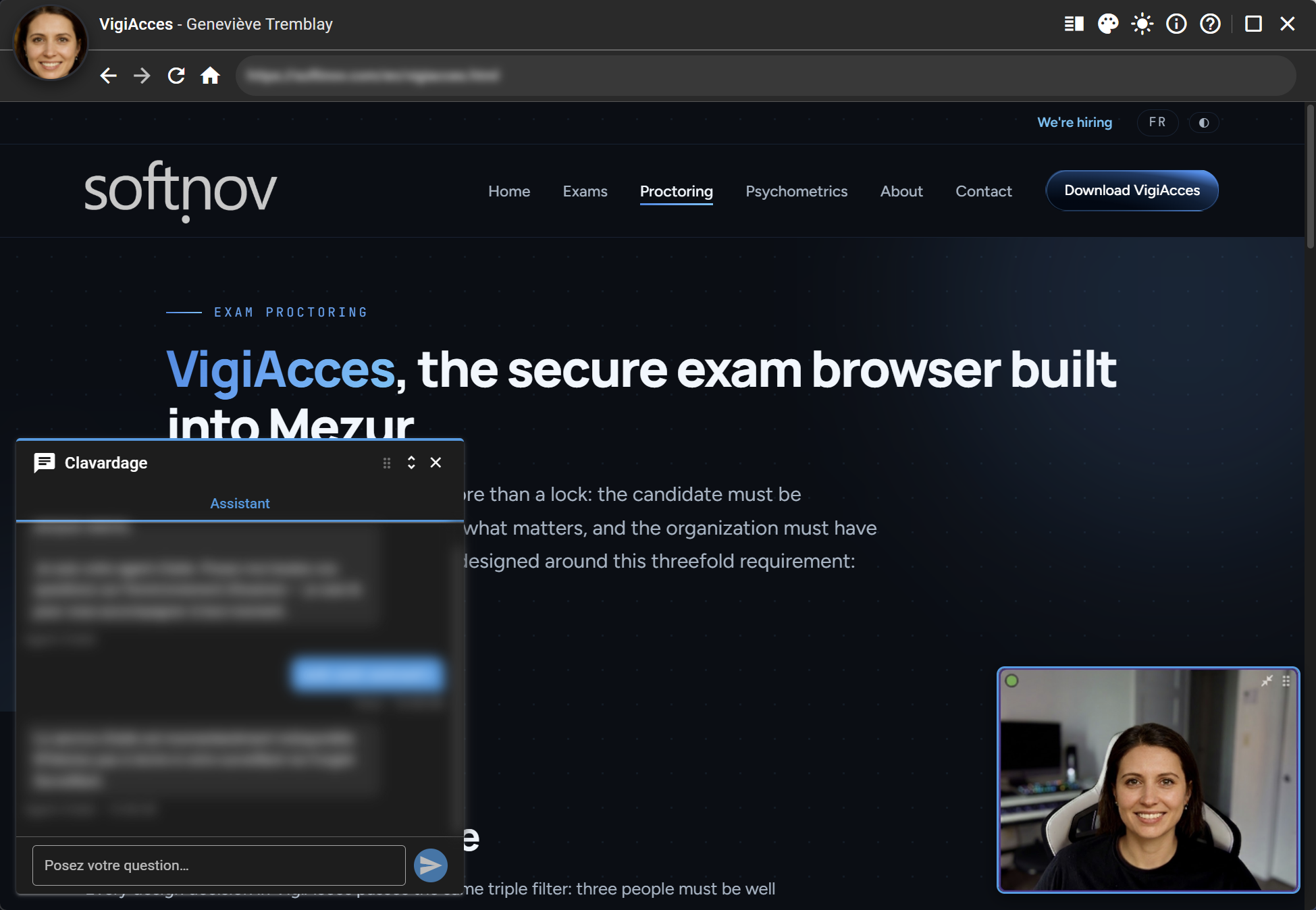
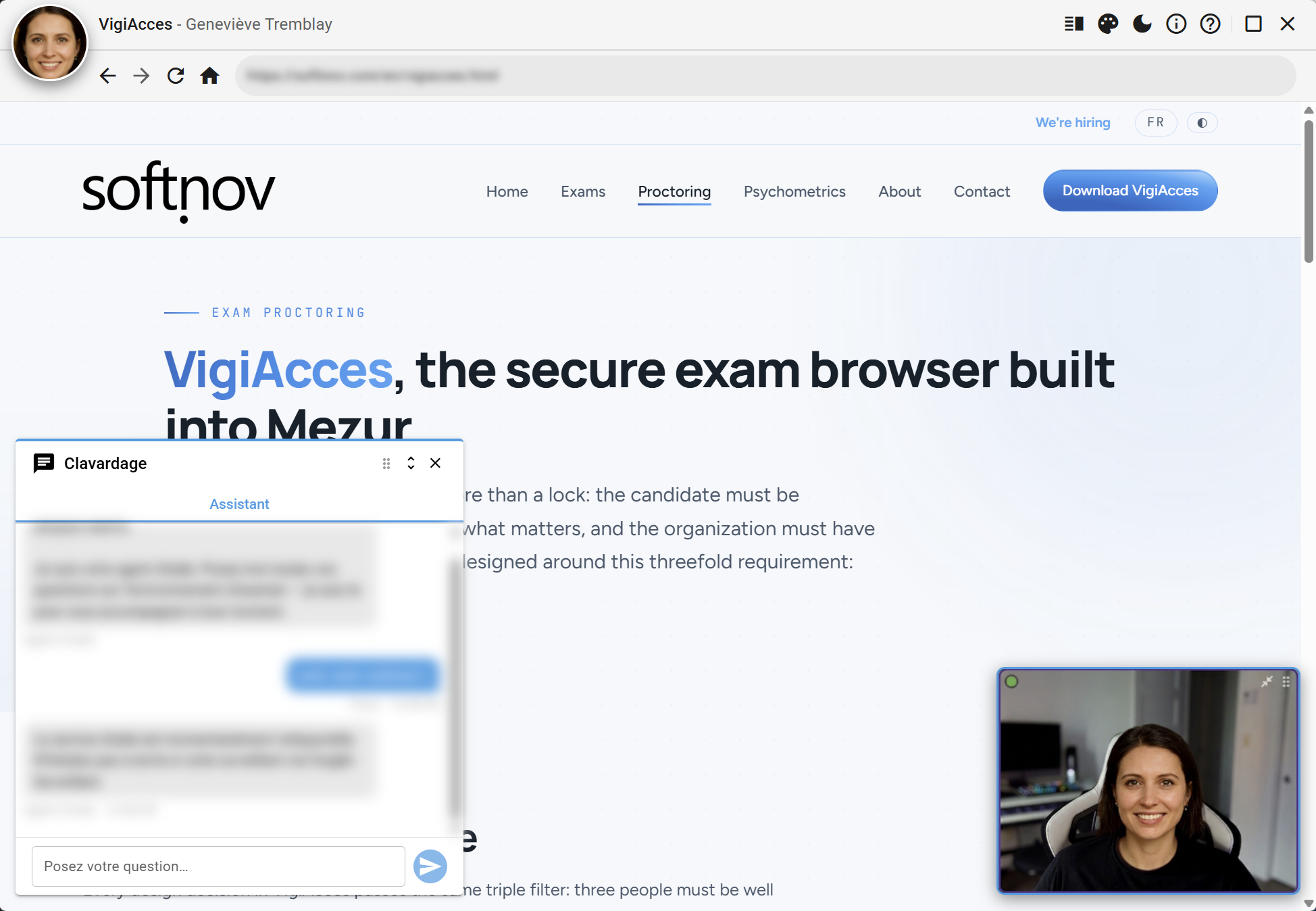
VigiAcces is Softinov's secure exam browser. The download is restricted to Mezur candidates: sign in with your email and password to get the installer.
Home / Download
Before installing
VigiAcces takes control of the workstation for the duration of the exam: install it ahead of time and check your workstation with the built-in qualification assistant. If in doubt, see the Proctoring page or write to us.
⊞
System requirements
Windows 10 or 11 (64-bit), webcam, microphone and a stable Internet connection
◉
Candidate account required
Downloading requires the email and password of your Mezur candidate account
✉
Need help?
info@softinov.com
Sign in to your candidate / student account
Hello {{ candidat.firstName || 'there' }},
Your access is confirmed. You can download the VigiAcces installer for Windows.
Download VigiAcces for Windows
Version 1.0 — Windows 64-bit installer.
Sign out